Decide what consistency means for your brand
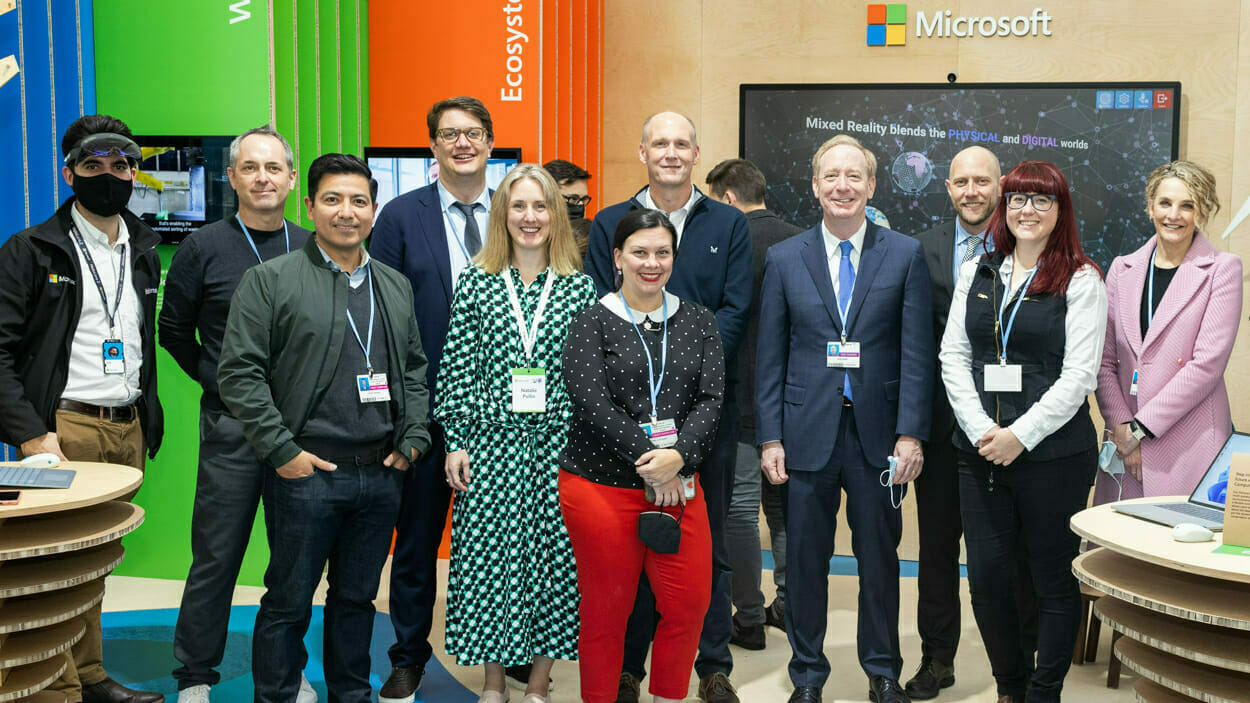
Consistency can come from lighting, background, camera height, crop, colour treatment and expression. It does not require every person to use the same pose. Share the current website and any existing portraits so John can recommend whether to match, refine or replace the established style.
Choose between a clean setup and environmental portraits
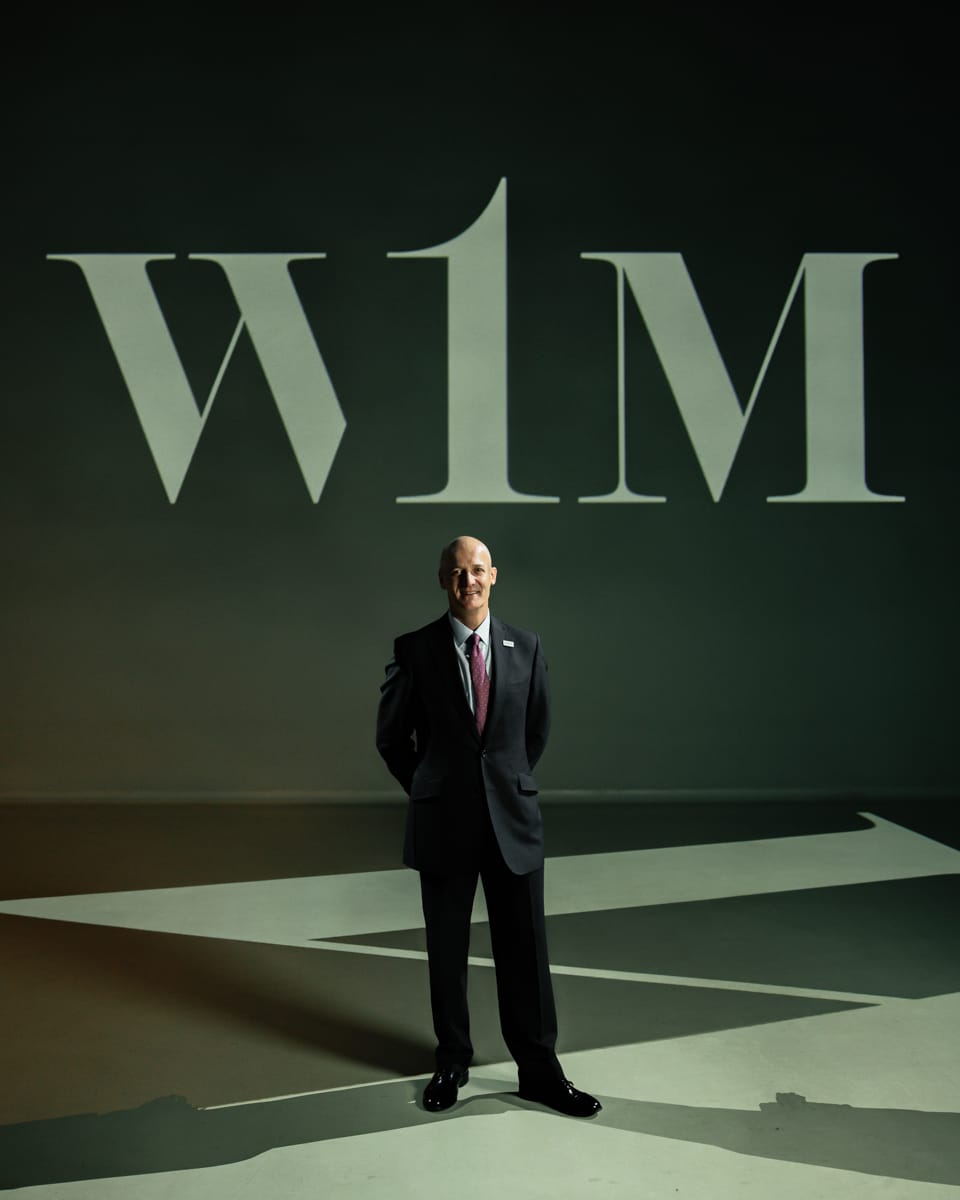
A portable background creates a controlled, repeatable look and can work well for larger teams. Environmental portraits use the workplace to add context, but the setting, light and background activity need more attention. Some briefs benefit from both: a consistent headshot plus a smaller set of leadership portraits in context.
Build a humane schedule
Allow enough time for each person to settle, receive clear direction and review the broad result without making the day feel slow. Add breaks, setup time and space for late arrivals. For several offices or a large organisation, a phased schedule may be more reliable than one compressed day.
Give staff short, useful preparation notes
Ask people to dress as they normally would when meeting clients and to bring one practical alternative if useful. Avoid long lists of rules. The aim is for each person to look current, comfortable and recognisably themselves within the agreed company style.
Plan crops, filenames and future starters
Confirm whether the images are needed for LinkedIn, a website team grid, press use, presentations or all four. Agree orientation, safe cropping space, file naming and delivery sizes. Record the setup so new starters can be photographed later with a close visual match.
- Website and LinkedIn crops
- High-resolution press files
- Consistent filenames
- Retouching level
- A repeatable setup for future starters